
DUCOSOFT / Servers, Cloud and DNS
Virtualization and Virtual Desktop Infrastructure (VDI)
We bring your server resources and employee desktops into a virtual environment designed around your workloads.
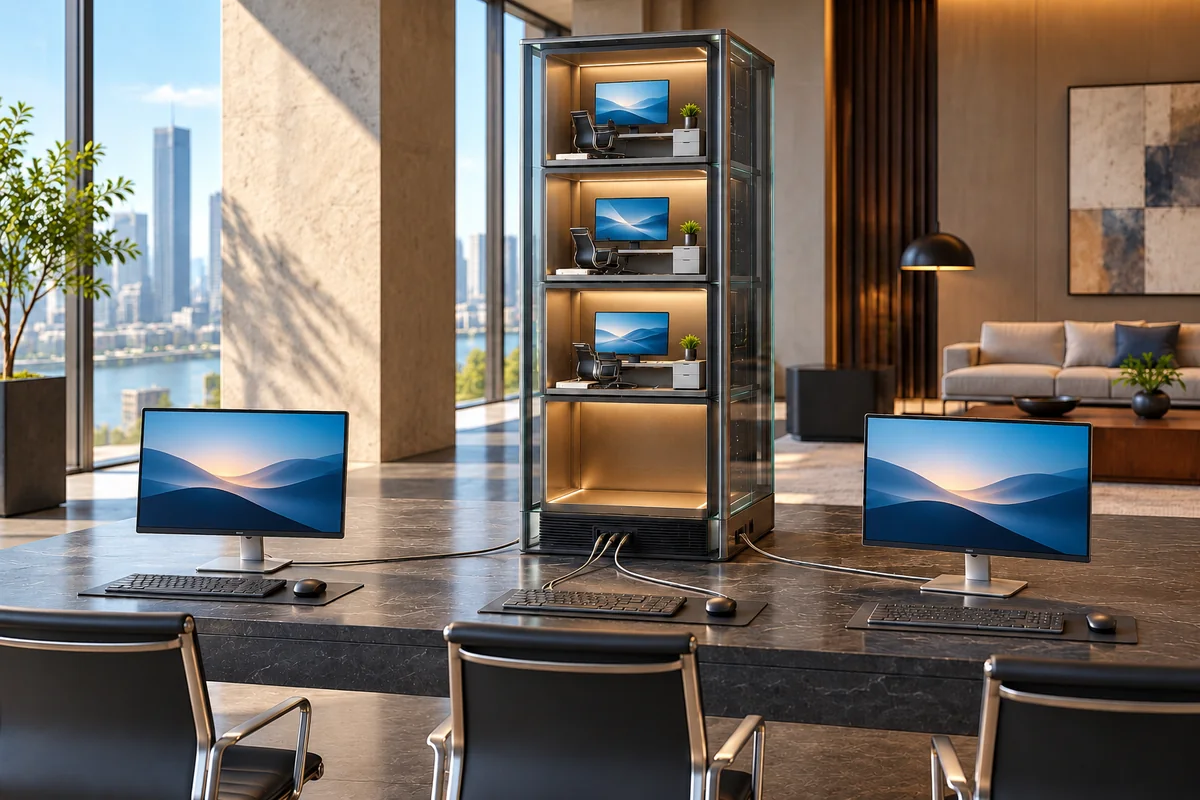
Illustrative solution view
A clear need
Hypervisor, virtual CPU and memory, storage pools, virtual networking and capacity planning
An agreed scope
VDI desktop pools, user profiles, access permissions and application deployment
Joint review
Application and access licensing assessment, backups and a pilot restore check
A clear handover
Delivery includes the virtual environment, user and application mapping, a capacity table, pilot test records, and backup and operating documentation.
Your need
What business need does this address?
We bring your server resources and employee desktops into a virtual environment designed around your workloads. We assess applications, user numbers, processor and memory requirements to plan the hypervisor, storage and network. Virtual machine deployment, user profiles, application access and licensing requirements are considered together. For VDI, we configure permissions and connection conditions for access from approved devices. Pilot users help validate the migration; backup, rollback and administration procedures are documented for your technical team. Capacity and licensing choices are confirmed in the proposal.
Scope
A clear scope, with understandable steps.
A scope planned around your use
VDI desktop pools, user profiles, access permissions and application deployment
Application and access licensing assessment, backups and a pilot restore check
What we work towards together
Delivery includes the virtual environment, user and application mapping, a capacity table, pilot test records, and backup and operating documentation.
Virtualization and Virtual Desktop Infrastructure (VDI)
Technical details
Start with workloads and capacity
We review current server and application usage, concurrent users and expected growth. Processor, memory, storage latency and network capacity inform the allocation of virtual resources. The resulting structure shows which workloads use each physical resource and provides a basis for future capacity decisions.
Desktops that fit each role
Profiles reflect each employee's tasks, applications and access needs. We define persistent or pooled desktops, file locations and session policies. Pilot users help check application compatibility, the connection experience and required licences before the desktop environment is rolled out more widely.
Administration and recovery planning
We document backup coverage, responsible people and the restore sequence for virtual machines. A virtual machine snapshot is not treated as a complete backup. Procedures for updates, monitoring, capacity reviews and pilot recovery support the day-to-day administration of the environment.
How we work
Understand the need. Build the solution together.
- 01
Understand the need
Share your existing devices, users, connections and systems, including the providers you currently use.
- 02
Plan the work
We agree on priorities and sequence around these areas: Hypervisor, virtual CPU and memory, storage pools, virtual networking and capacity planning · VDI desktop pools, user profiles, access permissions and application deployment · Application and access licensing assessment, backups and a pilot restore check.
- 03
Implement and review
An area we review together during implementation: Application and access licensing assessment, backups and a pilot restore check.
- 04
Hand over and explain usage
At handover, we review the agreed deliverables and usage steps together. Delivery includes the virtual environment, user and application mapping, a capacity table, pilot test records, and backup and operating documentation.
In practice
How could this work in your business?
Illustrative use case
A distribution business with two branches wants to reduce support requests caused by inconsistent settings in its sales application. In this illustrative project, application compatibility is checked, a small VDI pilot is deployed, and the desktop pool is expanded based on the findings.
Handover & preparation
From the first meeting to handover.
What will you receive?
Delivery includes the virtual environment, user and application mapping, a capacity table, pilot test records, and backup and operating documentation.
- Hypervisor, virtual CPU and memory, storage pools, virtual networking and capacity planning
- VDI desktop pools, user profiles, access permissions and application deployment
- Application and access licensing assessment, backups and a pilot restore check
What should you bring to the first meeting?
- Share your existing devices, users, connections and systems, including the providers you currently use.
- Identify priority work areas, access owners and suitable times for changes.
In the first meeting, we review your current setup, priorities and dependencies together. We prepare the proposal around that discussion.
Discuss your project ↗Questions
What to know before you decide.
What does this service include?
We bring your server resources and employee desktops into a virtual environment designed around your workloads. We assess applications, user numbers, processor and memory requirements to plan the hypervisor, storage and network. Virtual machine deployment, user profiles, application access and licensing requirements are considered together. For VDI, we configure permissions and connection conditions for access from approved devices. Pilot users help validate the migration; backup, rollback and administration procedures are documented for your technical team. Capacity and licensing choices are confirmed in the proposal. Hypervisor, virtual CPU and memory, storage pools, virtual networking and capacity planning · VDI desktop pools, user profiles, access permissions and application deployment · Application and access licensing assessment, backups and a pilot restore check.
Is this a good fit for our business?
Businesses that want to manage multiple servers centrally or provide manageable desktops for office, branch and remote teams.
What should we share in the first meeting?
Share your existing devices, users, connections and systems, including the providers you currently use. Identify priority work areas, access owners and suitable times for changes.
What will we receive when the work is complete?
Delivery includes the virtual environment, user and application mapping, a capacity table, pilot test records, and backup and operating documentation.
Virtualization and Virtual Desktop Infrastructure (VDI)
Let’s define a solution around your needs.
Tell us how your business works today and what you want to achieve. We can plan the scope, connections and deliverables around your team.
