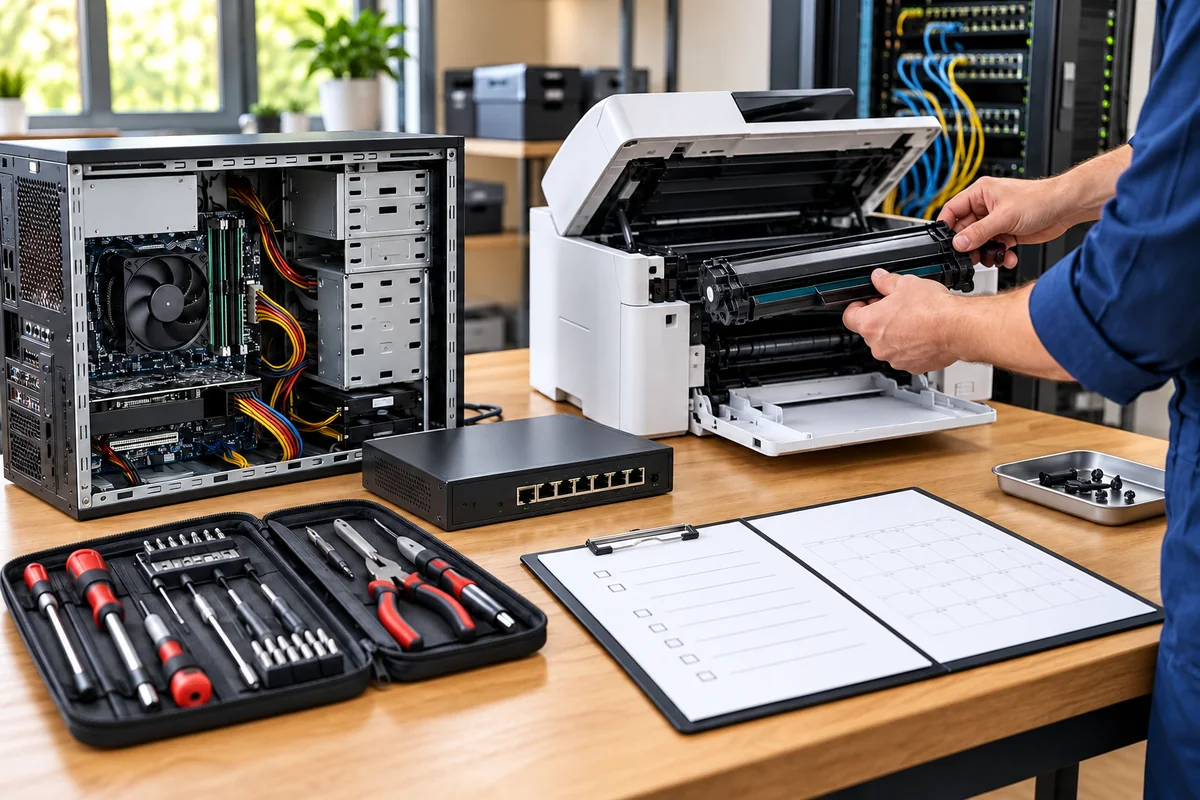
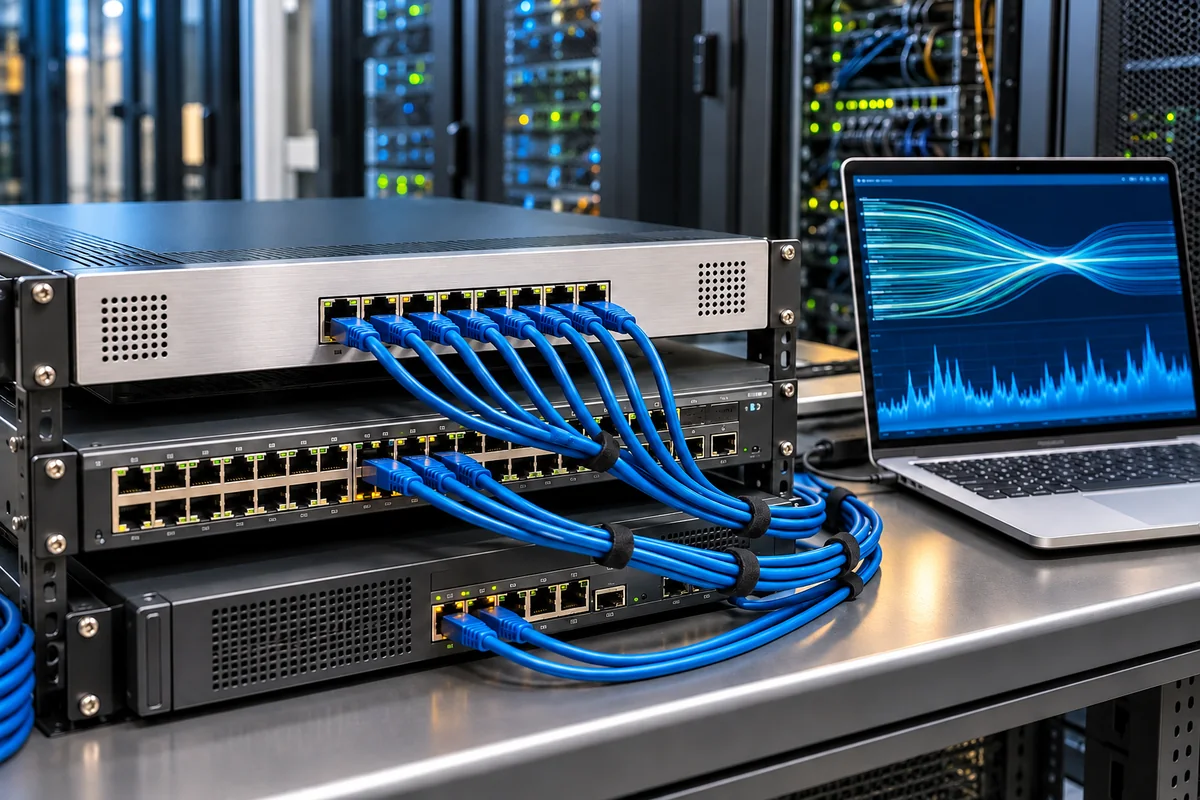
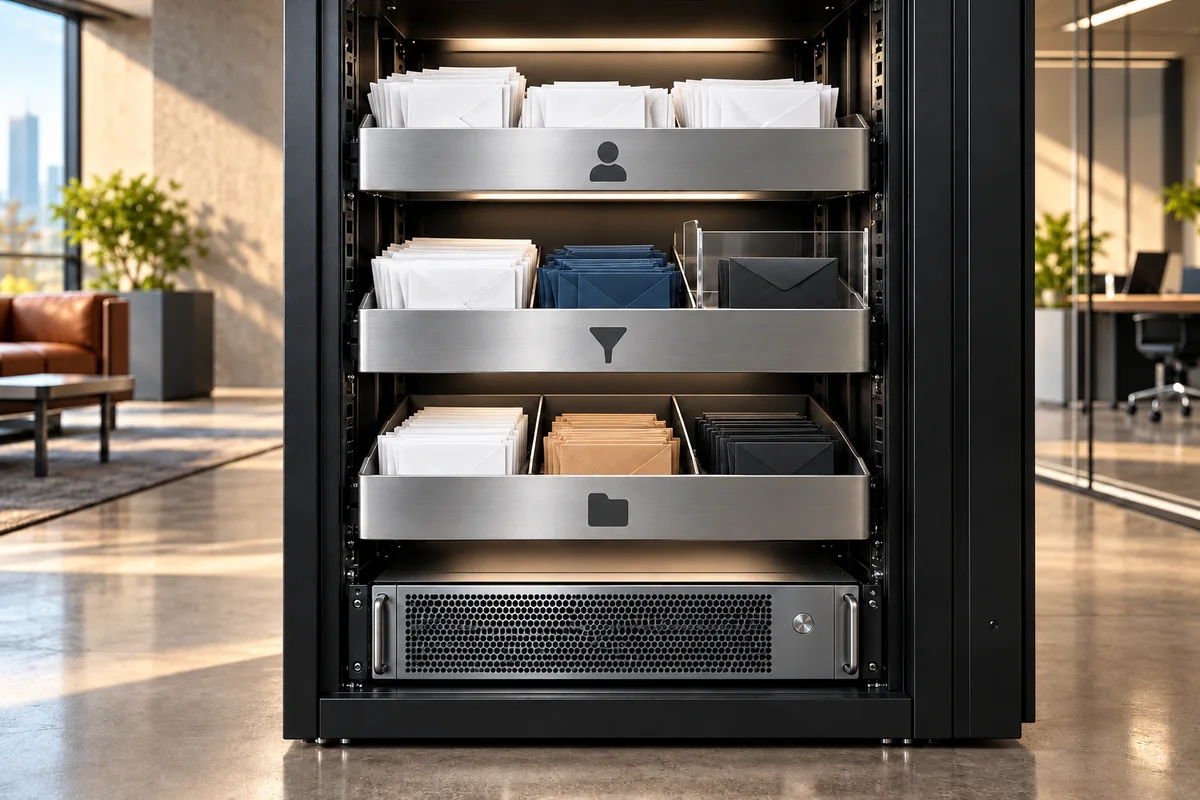
A business maintenance agreement brings your office devices, users and critical systems into one support plan. Together, we define the inventory, scheduled checks, request tracking and intervention scope, then manage technical needs through a documented process.
Each service has its own page explaining what it includes, who it suits and what we deliver.
25 services
No service matches your search. Try another word or clear the search.
01 / IT Services
Office Infrastructure, Phone Systems and Technical Support
We plan business maintenance around your office users, devices and workflows. Scheduled checks and support requests are tracked together, while devices, phone systems, cameras and new office setups form part of one technical environment.
Business Maintenance Agreement
01.01↗
Business Maintenance Agreement
A corporate maintenance agreement brings your computers, servers, network equipment and printers into one inventory and regular maintenance plan. Preventive checks, remote assistance and on-site work where needed follow your business priorities. Updates, security settings, backup outcomes and system health are reviewed within the agreed scope, while requests retain a priority, owner and action history. Support hours, response conditions, the SLA and exclusions are agreed in writing, with periodic reporting making the work visible.
Scope highlights
Computer, server, network and printer inventory with preventive maintenance
Remote and on-site support, request priorities, records and a written SLA
Update, security and backup checks with periodic maintenance reporting
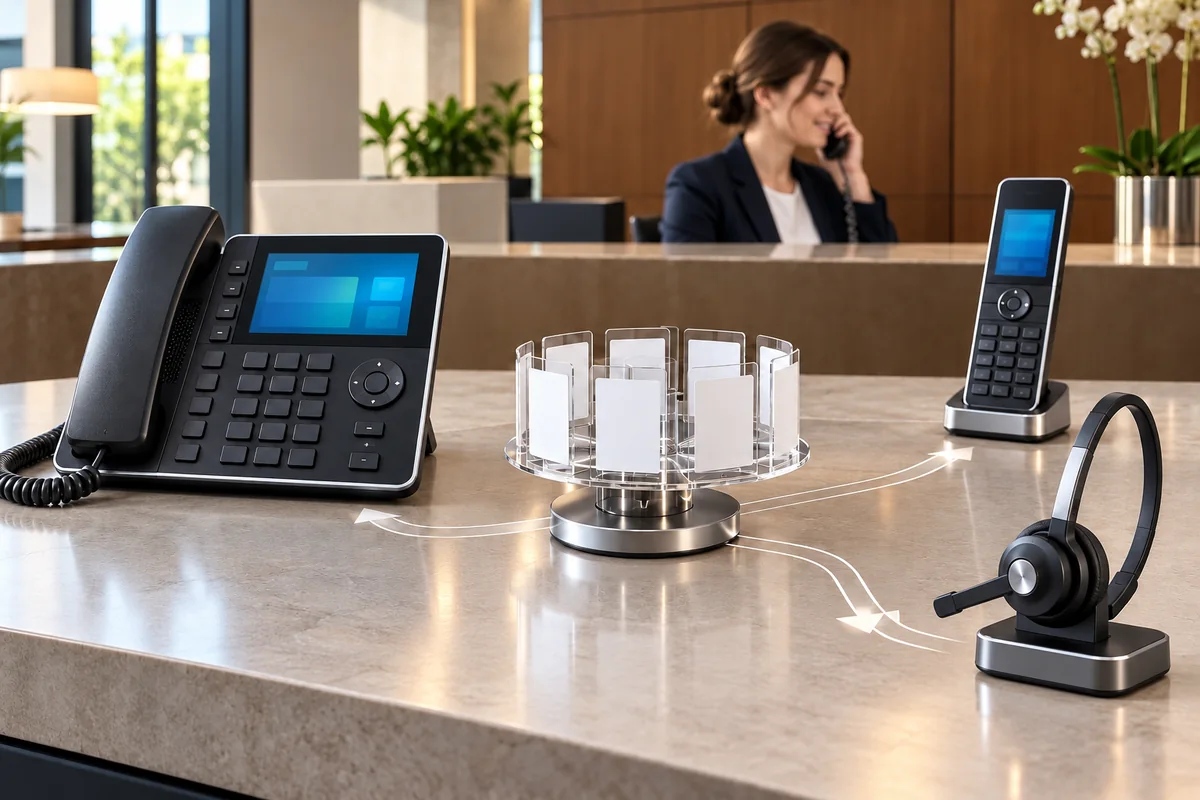
We configure cloud PBX or on-premises IP telephony around your company's incoming and outgoing calls. Lines, extensions, VoIP phones and supported mobile clients are planned together, with IVR menus, business hours, queues and routing matched to team responsibilities. Where required, call reports, recording options and CRM or ERP connectivity are scoped separately. Operator and network integration are checked through representative test calls before handover.
Scope highlights
Cloud or IP PBX, lines, extensions, phones and mobile client setup
IVR, business hours, queues, calling permissions and routing
Call reporting, recording options and agreed CRM/ERP integration
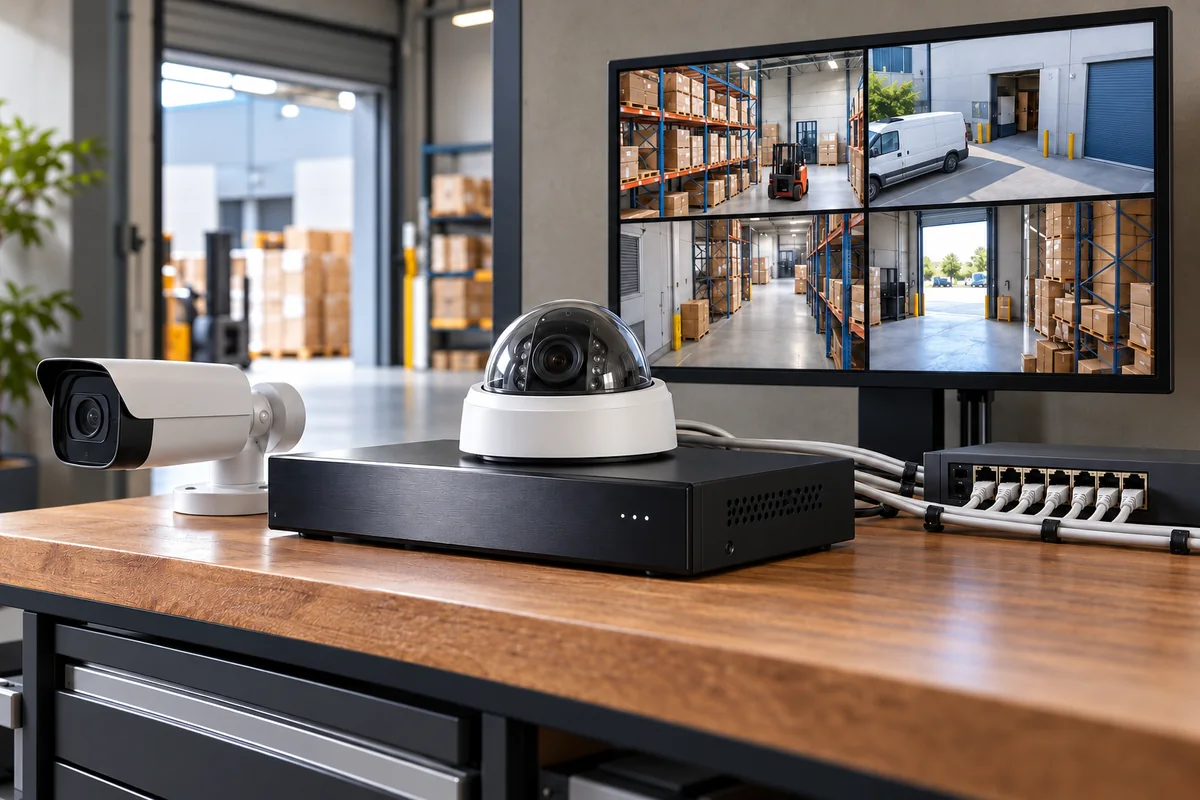
We survey offices, stores, warehouses and workspaces to plan IP cameras or an analogue system compatible with existing infrastructure. Camera positions, fields of view, NVR or DVR equipment, storage capacity and network requirements, including PoE, are assessed together. Recording retention, image settings and authorised remote viewing follow your operational needs. We complete live-view, sample recording and access tests, then explain maintenance and periodic inspection steps to the responsible users.
Scope highlights
Site survey, IP/analogue camera selection and field-of-view planning
NVR/DVR, storage, PoE and network installation
Retention, authorised viewing, sample recording and maintenance checks
Office / Branch Infrastructure and Device Procurement
01.04↗
Office / Branch Infrastructure and Device Procurement
We combine the computer, printer, network, server, storage, phone and camera needs of a new office or branch in one survey and project schedule. Cabling, cabinets, connection points, equipment procurement, accounts and applications are planned together. Where an existing office is being moved, we identify dependencies and the order in which work must resume, then coordinate hardware installation, security settings and user checks. Handover includes inventories, diagrams and acceptance records.
Scope highlights
Survey, cabling, cabinets, network and infrastructure design
Computer, printer, server, storage, phone and camera procurement and installation
User accounts, applications, security and opening acceptance checks
We approach technology decisions through your business goals and existing infrastructure. Devices, applications, licences, support arrangements and key risks establish a clear view of the current situation. Alternatives are compared for growth, new branches, remote work or system renewal. Alongside setup costs, we assess licensing, maintenance, migration and operating requirements. You receive a phased roadmap with priorities, dependencies and decision points. This makes it easier to understand why an investment comes first and what action should follow as your business develops.
Scope highlights
Device, application, licence and support inventory, business objectives and risk assessment
Comparison of technical alternatives, migration implications and total cost of ownership components
Investment priorities, dependencies, responsibilities and a phased technology roadmap
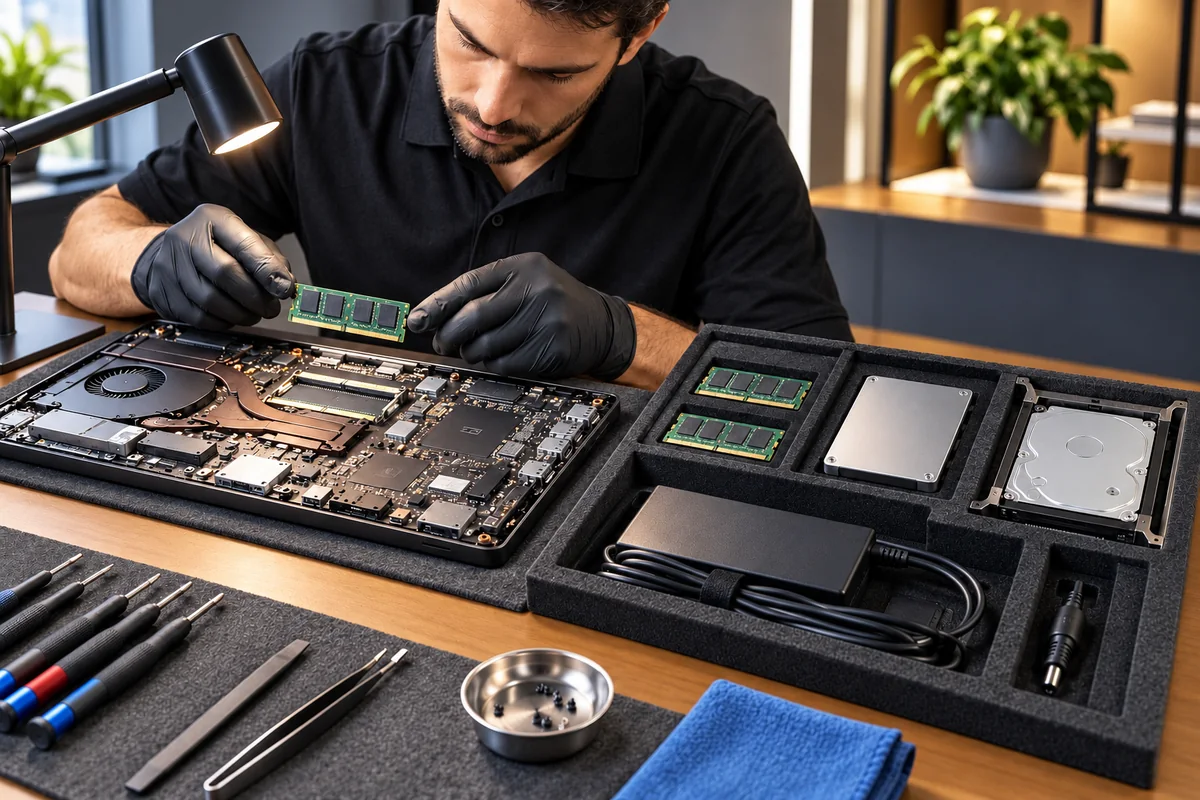
We assess hardware and spare parts against their intended use, compatibility and your existing infrastructure. Scope can include desktops, laptops, workstations, servers, printers, peripherals, networking and camera equipment, and storage products. For RAM, SSDs, HDDs and other components, model, capacity and connection compatibility are checked. Options and availability are confirmed in the proposal, with serial numbers and warranty details recorded. Agreed setup, data migration and repair coordination form part of the delivery plan, allowing procurement and readiness for use to be tracked together.
Scope highlights
Selection of desktops, laptops, workstations, servers, printers, peripherals, networking, camera and storage equipment
Model, capacity and connection compatibility checks for RAM, SSDs, HDDs and other spare parts
Product and serial number records, warranty information, and agreed setup and repair coordination
We plan the servers, cloud resources and domain connections your applications need. Capacity, account ownership, monitoring and maintenance requirements are defined at the start.
VPS / VDS Server Setup
02.01↗
VPS / VDS Server Setup
We plan a VPS or VDS environment around the CPU, memory, storage and traffic requirements of your website, business application or database. On the selected IaaS provider, we install the operating system and required services, configure administrator access, firewall rules and backups, then check service startup, resource usage, remote connectivity and a sample restore. We also document how to increase capacity when the workload grows.
Scope highlights
Workload-based sizing of vCPU, RAM, storage and traffic
Operating system, application services and restricted administrator access
Backup configuration, resource monitoring and commissioning checks
We plan how your applications, files and servers should operate across public, private or hybrid cloud environments. Where several providers are involved, we assess their accounts and connections together. Migration, identity and access permissions, network security, backups and monitoring follow one coordinated plan, with visibility into resource consumption and cost items. Application dependencies determine the migration sequence, validation steps and conditions for rolling back a change.
Scope highlights
Assessment of public, private, hybrid and multi-cloud requirements
Application and data migration, identity, network and backup planning
We monitor server CPU, memory, storage and critical services within the agreed scope, combining periodic health checks with a maintenance calendar. Updates, backup outcomes, capacity trends and recurring incidents are reviewed together. We document notification channels, priority rules and the response workflow during agreed support hours, then report completed work and outstanding improvements. Maintenance timing is coordinated with application owners so that changes reflect the systems that depend on the server.
Scope highlights
Resource, storage, critical service and capacity trend monitoring
Planned updates, health checks and backup outcome reviews
Defined alerts, incident records and periodic maintenance reports
We manage the DNS records connecting your domain to its website, email and subdomains, taking account of the providers involved. A, AAAA, CNAME, MX and TXT records are documented alongside domain ownership, account access and renewal responsibilities. For hosting or mail migrations, we plan a record backup, TTL values, change sequence and rollback steps. Afterwards, we check authoritative DNS responses, propagation and connectivity to the affected services.
Scope highlights
Inventory of website, mail, subdomain and verification records
TTL, change and rollback planning for hosting and email migrations
Domain ownership, authorised access and DNS propagation checks
Virtualization and Virtual Desktop Infrastructure (VDI)
02.05↗
Virtualization and Virtual Desktop Infrastructure (VDI)
We bring your server resources and employee desktops into a virtual environment designed around your workloads. We assess applications, user numbers, processor and memory requirements to plan the hypervisor, storage and network. Virtual machine deployment, user profiles, application access and licensing requirements are considered together. For VDI, we configure permissions and connection conditions for access from approved devices. Pilot users help validate the migration; backup, rollback and administration procedures are documented for your technical team. Capacity and licensing choices are confirmed in the proposal.
Scope highlights
Hypervisor, virtual CPU and memory, storage pools, virtual networking and capacity planning
VDI desktop pools, user profiles, access permissions and application deployment
Application and access licensing assessment, backups and a pilot restore check
User accounts, office networks, servers and backups are parts of the same working environment. We connect the technical requirements through a shared inventory and plan, and hand over instructions for managing the setup.
A strong technical foundation
Systems working together
A strong technical foundation↗
03 / IT Services
Networking, Cybersecurity and Access
Internet connectivity, the office network, firewall and remote access affect one another. We organise devices, user roles and access rules within one network plan.
Network and Cybersecurity Solutions
03.01↗
Network and Cybersecurity Solutions
We plan office and branch LAN, WAN and Wi-Fi infrastructure around user numbers, application traffic and the physical environment. Switches, access points, guest networks, VLANs, QoS and security components follow one network design. We assess bandwidth and redundant connectivity, help evaluate Metro Ethernet, MPLS, SD-WAN or point-to-point options, and integrate the selected operator service into your network. Connectivity and traffic checks verify the resulting configuration.
Scope highlights
LAN, WAN, Wi-Fi, VLAN and guest network design
QoS, traffic visibility, capacity and redundant connectivity planning
Operator connectivity selection, SD-WAN and security integration
We organise access to company networks by user role, device and application need. Firewall rules, network segments, application filters and remote access boundaries are assessed together, including suitable intrusion detection and prevention or network access control integrations. We structure central rule management, logs and configuration backups, then test both permitted workflows and connections that should be blocked. Each change retains its purpose and responsible owner in the configuration record.
Scope highlights
Firewall, network segmentation and application-based access rules
Assessment of compatible IDS/IPS and NAC integrations
Central rule inventory, event logs and configuration backups
We configure user or site-based VPN connections for remote employees and branches that need company resources. Required applications and networks are identified, then authentication, supported multi-factor verification and device settings are configured together. Permissions are limited to each role's needs. We test inter-branch routing, connection loss behaviour and access removal procedures, and complete the setup with an access register and practical instructions that users can follow.
Scope highlights
Remote user VPN and site-to-site tunnel design
Authentication, device configuration and resource-specific permissions
Connectivity, routing, session and access removal tests
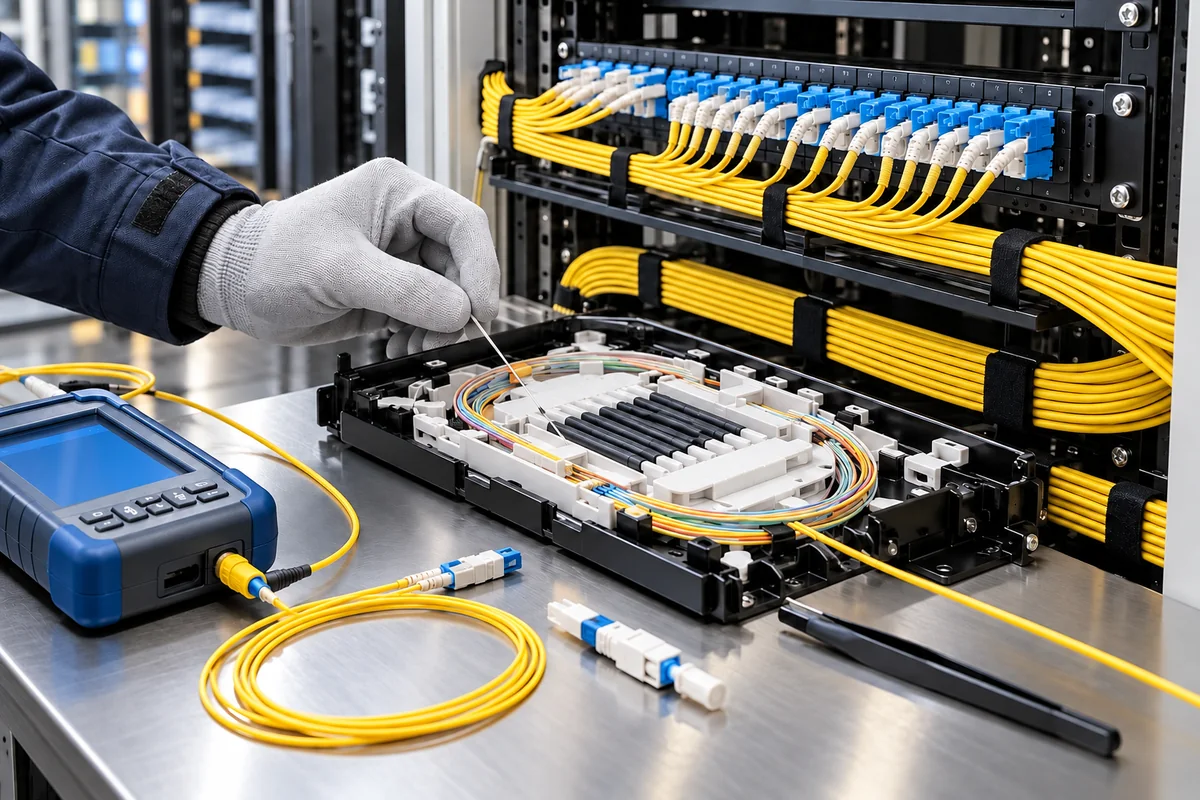
We build organized network cabling for offices, shops, warehouses and branches around device locations and operational needs. Existing runs are reviewed before choosing Cat5e, Cat6, Cat7 or fiber according to distance, bandwidth and environmental conditions. Data outlets, cable routes, terminations, patch panels and rack layout are planned together. We also assess the power requirements of PoE phones, cameras and access points. Connections are labelled, checked using the agreed tests and handed over with a connection plan your technical team can use.
Scope highlights
Cat5e, Cat6, Cat7 and fiber selection, data outlet locations and cable route planning
Copper and fiber termination, patch panels, rack organization and labelling at both ends
PoE power assessment, connectivity checks and cable tests defined in the agreed scope
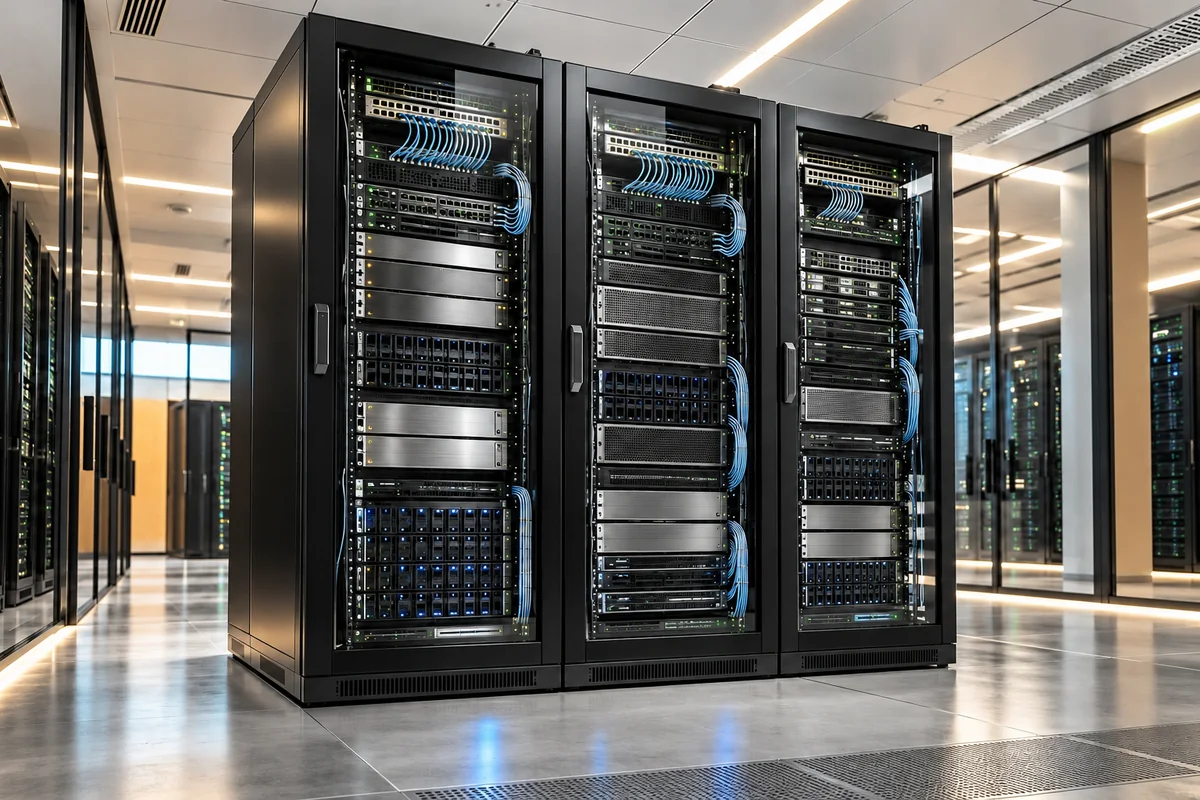
We organize servers, networking and storage into a server room that is accessible and manageable. Device inventory, rack layout, cable management and future growth are planned together. We identify power, UPS, cooling and physical access requirements, coordinating specialist work where needed. For an existing installation, the migration sequence and maintenance window are agreed in advance. Device, connection and monitoring records support daily operations. Responsibilities and deliverables for electrical, cooling and other specialist installations are explicitly defined in the proposal.
Scope highlights
Device inventory, rack layout, cable management and connection labelling
Power, UPS and cooling requirements planning, with coordination of necessary specialist work
Physical access, environmental monitoring needs, migration sequence and operating documentation
We establish centrally manageable security for employee computers and servers included in the scope. Device inventory, operating systems, user permissions and working practices inform the choice of antivirus or EDR. Protection policies, disk encryption, updates and alert handling are configured together. We define how suspicious devices are isolated and who receives notifications. Deployment is validated on pilot devices, with exceptions and administration responsibilities documented. Licensing, monitoring periods, support hours and incident response coverage are specified separately in the proposal, alongside the software deployment.
Scope highlights
Antivirus or EDR deployment based on device inventory and operating system compatibility
Security policies, disk encryption, updates and documented application exceptions
Quarantine and device isolation procedures, alert recipients and incident records
We assess internet-facing services, networks and applications only where you have provided written authorization for the assets involved. Scope, methods, testing windows and stop conditions are agreed before work begins. Automated scan results undergo controlled validation, with findings classified by impact and priority. You receive an accessible management summary and technical evidence with actionable remediation recommendations. Agreed findings can be checked again after remediation. The assessment applies to a defined scope and point in time; it cannot guarantee that every vulnerability is found or that systems are completely secure afterwards.
Scope highlights
Written authorization, asset and method boundaries, testing windows and stop conditions
Scoped scanning, controlled finding validation and impact-based prioritization
Management summary, technical findings and remediation report, with retesting where agreed
We assess how your internet-facing services are prepared for heavy and unusual traffic, considering both applications and connectivity. Critical services, existing protections and provider dependencies are identified first. Checks are planned within written boundaries and approved with your connectivity carrier and protection provider. Where testing is included, timing, load limits, monitoring and stop conditions are agreed beforehand. Resource use, availability, alerts and protection thresholds inform an improvement report. Findings apply to the agreed scenarios; uninterrupted service or complete protection against every traffic type is not guaranteed.
Scope highlights
Review of critical services, connection capacity, protection layers and provider dependencies
Written scope and load limits, with carrier- and protection-provider-approved testing and stop plans
Resource and availability monitoring, alert and protection threshold assessment, and improvement recommendations
We review users, existing data and devices before setting up business email and workplace tools. Licence selection, account migration and renewal tracking form part of the implementation plan.
Business Email Server Management
04.01↗
Business Email Server Management
We manage your company mail server or hosted email service around accounts, sending security and user requirements. Mailboxes, forwarding and SPF, DKIM and DMARC records are configured together, with spam, malicious attachment and phishing filters matched to the platform's capabilities. When changing providers, we plan historical mail migration and DNS cutover, then check sending, receiving, client connections and error logs. Maintenance and fault handling follow documented responsibilities.
Scope highlights
Mailbox, quota, forwarding and email client configuration
SPF, DKIM, DMARC and spam, malicious content and phishing filters
Mail migration, DNS cutover and sending and receiving checks
We configure Microsoft 365 or Google Workspace around your team's email, file and collaboration needs. Domain verification, accounts, groups, shared spaces and security settings are organised together. Existing mail and files are assessed through trial transfers, with checks on sharing permissions, supported multi-factor authentication, device connections and employee departure procedures. Migration concludes with administrator handover and practical training for employees' everyday use of the chosen tools.
Scope highlights
Domain verification, users, groups and shared workspaces
Email and file migration with content and sharing checks
Security, device access, administrator handover and team training
We organise operating system, office, security and backup software licences alongside users, devices and actual usage. A software asset management approach compares purchased, assigned and used licences, making surplus capacity and missing assignments visible. For Microsoft 365, Google Workspace and other agreed products, we plan procurement, activation and account procedures. Renewal dates, contractual conditions and responsible owners are tracked in one inventory so that purchasing decisions have a documented basis.
Scope highlights
Software asset inventory comparing purchased, assigned and used licences
Procurement planning for operating system, office, security and backup subscriptions
Activation, user reassignment, renewal and contract tracking
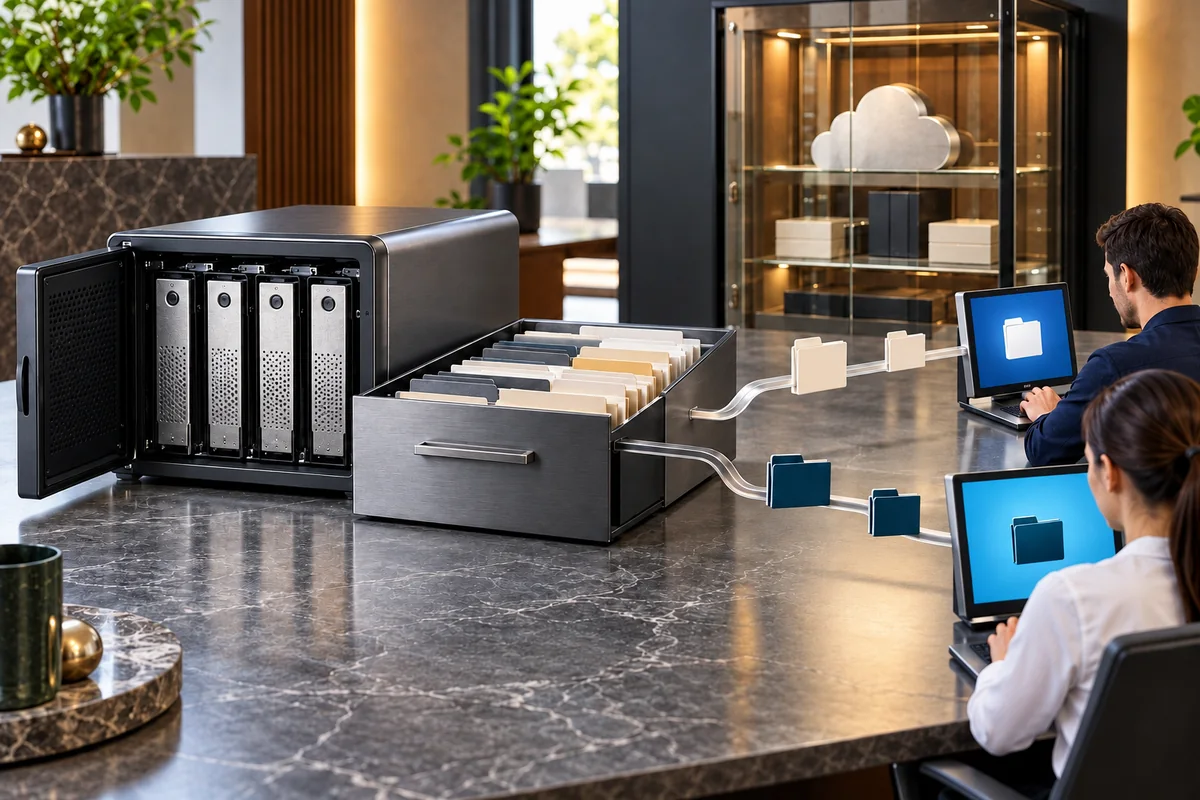
We define where files are stored, who can access them and how often they are backed up. Sharing, retention periods and sample recovery checks are considered together.
Cloud Storage, File Servers and NAS
05.01↗
Cloud Storage, File Servers and NAS
We plan cloud storage, file servers or NAS around your access, capacity and application needs. We assess where directly attached DAS or block-based SAN storage is appropriate, distinguishing team file sharing from application storage. Folders, user groups, permissions and capacity tracking follow a clear structure, with data migration completed through access checks. Storage availability and the separate responsibility for independent backup copies are defined so that the arrangement can be operated consistently.
Scope highlights
Cloud, file server and NAS selection, with DAS/SAN assessment where relevant
Folder structure, groups, ownership and sharing permissions
Data migration, capacity tracking, access tests and backup integration
We establish local, cloud or hybrid backups for critical files, servers and application data through one central plan. Business priorities determine what is copied, how often, how long it is retained and what recovery is expected. Separate copies, access permissions, failure notifications and sample restore tests are configured together. RAID or disk redundancy is not treated as a substitute for backup; recoverability checks and their responsible owners are explicitly documented.
Scope highlights
Critical data, retention periods and recovery priorities
Central local, cloud or hybrid backups with independent copies
Failure notifications, access control and sample restore tests
We plan how critical operations should resume after a server failure, data loss or loss of access to your office. Business impact analysis establishes acceptable data loss and recovery time objectives, known as RPO and RTO. We assess system dependencies, copies held separately or isolated by access controls, and alternative working arrangements. Recovery steps are documented with owners and communication procedures. An agreed exercise compares observed results with the targets and identifies gaps. Achievable recovery times depend on the infrastructure, the incident and the test findings.
Scope highlights
Business impact analysis, application dependencies and agreed RPO and RTO objectives
Separate or access-isolated copies, recovery sequence and alternative working plan
Responsibilities, communication chain, recovery documentation and a defined exercise
We identify users, devices and critical systems through an assessment.
02
Install and check the migration
We implement the setup and migration plan, then check connectivity, access and recovery.
03
Hand over records and maintenance
We hand over system records and begin the maintenance and support process.
What do we deliver?
Deployed and checked infrastructure
Device, account and access inventory
Network diagram and configuration records
Maintenance, backup and user instructions
YOUR QUESTIONS
Before we begin.
Can we choose individual IT services?+
Yes. We can start with a specific need such as a server, network, business email, backup or maintenance. We review its connections with other systems before defining the scope.
Can you migrate our existing infrastructure?+
We first review devices, accounts, data and dependent applications. We then agree on the migration order, user communication, backups and recovery steps.
What does maintenance and support include?+
The scope depends on users, devices, critical applications and the type of support required. Review frequency, working hours and included interventions are recorded in the service plan.
What information do you hand over?+
Depending on the service, we provide device and account inventories, access information, network diagrams, configuration records and usage instructions. Backup and maintenance responsibilities are agreed together.