
DUCOSOFT / Files, Storage and Backups
Cloud Storage, File Servers and NAS
We plan cloud storage, file servers or NAS around your access, capacity and application needs.
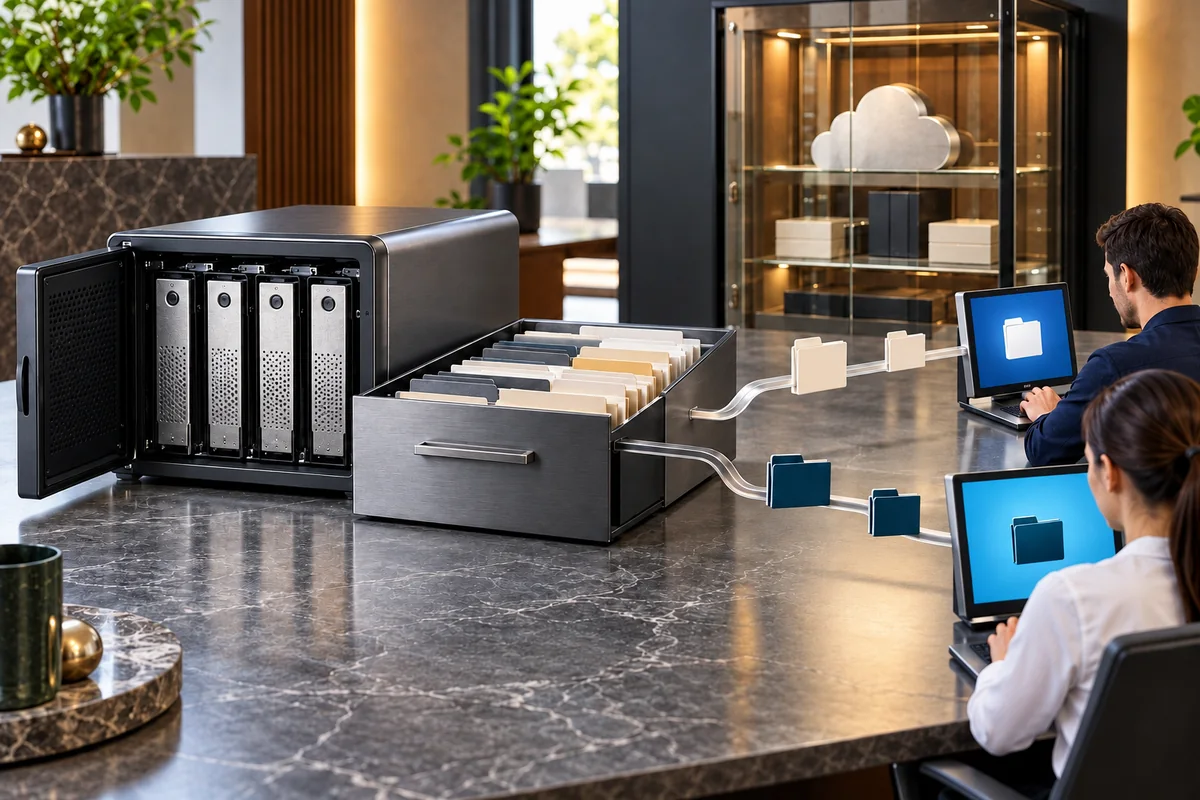
Illustrative solution view
A clear need
Cloud, file server and NAS selection, with DAS/SAN assessment where relevant
An agreed scope
Folder structure, groups, ownership and sharing permissions
Joint review
Data migration, capacity tracking, access tests and backup integration
A clear handover
We deliver the working file sharing structure, migration and access checks, permission matrix and storage operating notes.
Your need
What business need does this address?
We plan cloud storage, file servers or NAS around your access, capacity and application needs. We assess where directly attached DAS or block-based SAN storage is appropriate, distinguishing team file sharing from application storage. Folders, user groups, permissions and capacity tracking follow a clear structure, with data migration completed through access checks. Storage availability and the separate responsibility for independent backup copies are defined so that the arrangement can be operated consistently.
Scope
A clear scope, with understandable steps.
A scope planned around your use
Folder structure, groups, ownership and sharing permissions
Data migration, capacity tracking, access tests and backup integration
What we work towards together
We deliver the working file sharing structure, migration and access checks, permission matrix and storage operating notes.
Cloud Storage, File Servers and NAS
Technical details
Choosing the storage type
We assess file sharing, application requirements and expected growth together. NAS file access over the network, DAS attached to an individual system and SAN block storage are compared to select a structure appropriate to the workload.
File structure and permission matrix
We identify team folders, data owners and user groups. Read, edit and sharing permissions follow job responsibilities, with representative users checking both the resources they need and areas that should remain inaccessible.
Migration, capacity and separate backups
We move existing files into the agreed structure and complete capacity and access checks. Disk redundancy is distinguished from an independent backup copy, with operating notes covering storage growth and the connection to the backup arrangement.
How we work
Understand the need. Build the solution together.
- 01
Understand the need
Share your existing devices, users, connections and systems, including the providers you currently use.
- 02
Plan the work
We agree on priorities and sequence around these areas: Cloud, file server and NAS selection, with DAS/SAN assessment where relevant · Folder structure, groups, ownership and sharing permissions · Data migration, capacity tracking, access tests and backup integration.
- 03
Implement and review
An area we review together during implementation: Data migration, capacity tracking, access tests and backup integration.
- 04
Hand over and explain usage
At handover, we review the agreed deliverables and usage steps together. We deliver the working file sharing structure, migration and access checks, permission matrix and storage operating notes.
In practice
How could this work in your business?
Illustrative use case
A project office stores documents across individual computers and struggles to identify the latest version. We organise shared folders by department, assign team permissions and coordinate a controlled migration from personal workstations.
Handover & preparation
From the first meeting to handover.
What will you receive?
We deliver the working file sharing structure, migration and access checks, permission matrix and storage operating notes.
- Cloud, file server and NAS selection, with DAS/SAN assessment where relevant
- Folder structure, groups, ownership and sharing permissions
- Data migration, capacity tracking, access tests and backup integration
What should you bring to the first meeting?
- Share your existing devices, users, connections and systems, including the providers you currently use.
- Identify priority work areas, access owners and suitable times for changes.
In the first meeting, we review your current setup, priorities and dependencies together. We prepare the proposal around that discussion.
Discuss your project ↗Questions
What to know before you decide.
What does this service include?
We plan cloud storage, file servers or NAS around your access, capacity and application needs. We assess where directly attached DAS or block-based SAN storage is appropriate, distinguishing team file sharing from application storage. Folders, user groups, permissions and capacity tracking follow a clear structure, with data migration completed through access checks. Storage availability and the separate responsibility for independent backup copies are defined so that the arrangement can be operated consistently. Cloud, file server and NAS selection, with DAS/SAN assessment where relevant · Folder structure, groups, ownership and sharing permissions · Data migration, capacity tracking, access tests and backup integration.
Is this a good fit for our business?
For businesses sharing company files through authorised cloud or on-premises access.
What should we share in the first meeting?
Share your existing devices, users, connections and systems, including the providers you currently use. Identify priority work areas, access owners and suitable times for changes.
What will we receive when the work is complete?
We deliver the working file sharing structure, migration and access checks, permission matrix and storage operating notes.
Cloud Storage, File Servers and NAS
Let’s define a solution around your needs.
Tell us how your business works today and what you want to achieve. We can plan the scope, connections and deliverables around your team.
