
DUCOSOFT / Files, Storage and Backups
Data Backup and Storage Solutions
We establish local, cloud or hybrid backups for critical files, servers and application data through one central plan.
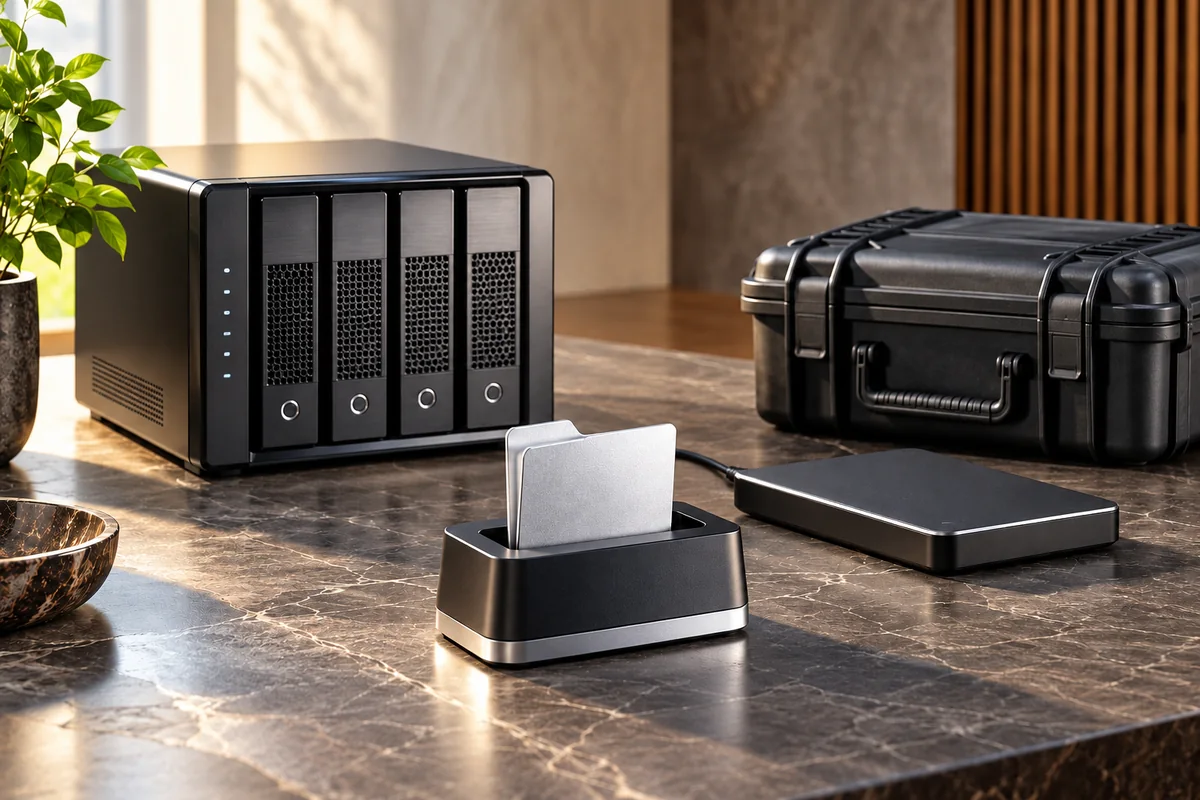
Illustrative solution view
A clear need
Critical data, retention periods and recovery priorities
An agreed scope
Central local, cloud or hybrid backups with independent copies
Joint review
Failure notifications, access control and sample restore tests
A clear handover
We deliver the backup plan, job and notification register, sample restore result and responsibility records.
Your need
What business need does this address?
We establish local, cloud or hybrid backups for critical files, servers and application data through one central plan. Business priorities determine what is copied, how often, how long it is retained and what recovery is expected. Separate copies, access permissions, failure notifications and sample restore tests are configured together. RAID or disk redundancy is not treated as a substitute for backup; recoverability checks and their responsible owners are explicitly documented.
Scope
A clear scope, with understandable steps.
A scope planned around your use
Central local, cloud or hybrid backups with independent copies
Failure notifications, access control and sample restore tests
What we work towards together
We deliver the backup plan, job and notification register, sample restore result and responsibility records.
Data Backup and Storage Solutions
Technical details
Backups based on business priorities
We identify critical data, acceptable data loss and recovery sequence with your team. Frequency, retention, destination and responsible owners appear in one central plan, with recovery expectations recorded rather than assumed.
Independent copies and access
We configure local, cloud or hybrid destinations around data volumes and connectivity. Copy locations and permissions are defined separately. RAID alone is explicitly distinguished from an independent backup that can address accidental deletion or data corruption.
From backup jobs to recovery
We define failure notification channels and who checks the jobs. Sample files or application data are restored in a suitable test environment, with results and recovery steps recorded and incorporated into the periodic review plan.
How we work
Understand the need. Build the solution together.
- 01
Understand the need
Share your existing devices, users, connections and systems, including the providers you currently use.
- 02
Plan the work
We agree on priorities and sequence around these areas: Critical data, retention periods and recovery priorities · Central local, cloud or hybrid backups with independent copies · Failure notifications, access control and sample restore tests.
- 03
Implement and review
An area we review together during implementation: Failure notifications, access control and sample restore tests.
- 04
Hand over and explain usage
At handover, we review the agreed deliverables and usage steps together. We deliver the backup plan, job and notification register, sample restore result and responsibility records.
In practice
How could this work in your business?
Illustrative use case
An accounting office stores files on a NAS but has never checked whether an accidentally deleted document can be recovered. We set up independent backups, agree retention and test the restoration procedure with a sample file.
Handover & preparation
From the first meeting to handover.
What will you receive?
We deliver the backup plan, job and notification register, sample restore result and responsibility records.
- Critical data, retention periods and recovery priorities
- Central local, cloud or hybrid backups with independent copies
- Failure notifications, access control and sample restore tests
What should you bring to the first meeting?
- Share your existing devices, users, connections and systems, including the providers you currently use.
- Identify priority work areas, access owners and suitable times for changes.
In the first meeting, we review your current setup, priorities and dependencies together. We prepare the proposal around that discussion.
Discuss your project ↗Questions
What to know before you decide.
What does this service include?
We establish local, cloud or hybrid backups for critical files, servers and application data through one central plan. Business priorities determine what is copied, how often, how long it is retained and what recovery is expected. Separate copies, access permissions, failure notifications and sample restore tests are configured together. RAID or disk redundancy is not treated as a substitute for backup; recoverability checks and their responsible owners are explicitly documented. Critical data, retention periods and recovery priorities · Central local, cloud or hybrid backups with independent copies · Failure notifications, access control and sample restore tests.
Is this a good fit for our business?
For businesses planning backup and recovery procedures around potential data loss scenarios.
What should we share in the first meeting?
Share your existing devices, users, connections and systems, including the providers you currently use. Identify priority work areas, access owners and suitable times for changes.
What will we receive when the work is complete?
We deliver the backup plan, job and notification register, sample restore result and responsibility records.
Data Backup and Storage Solutions
Let’s define a solution around your needs.
Tell us how your business works today and what you want to achieve. We can plan the scope, connections and deliverables around your team.
